
Stop Babysitting Claude Code: Get Notified When It Finishes
- claude-code
- codex
- workflow
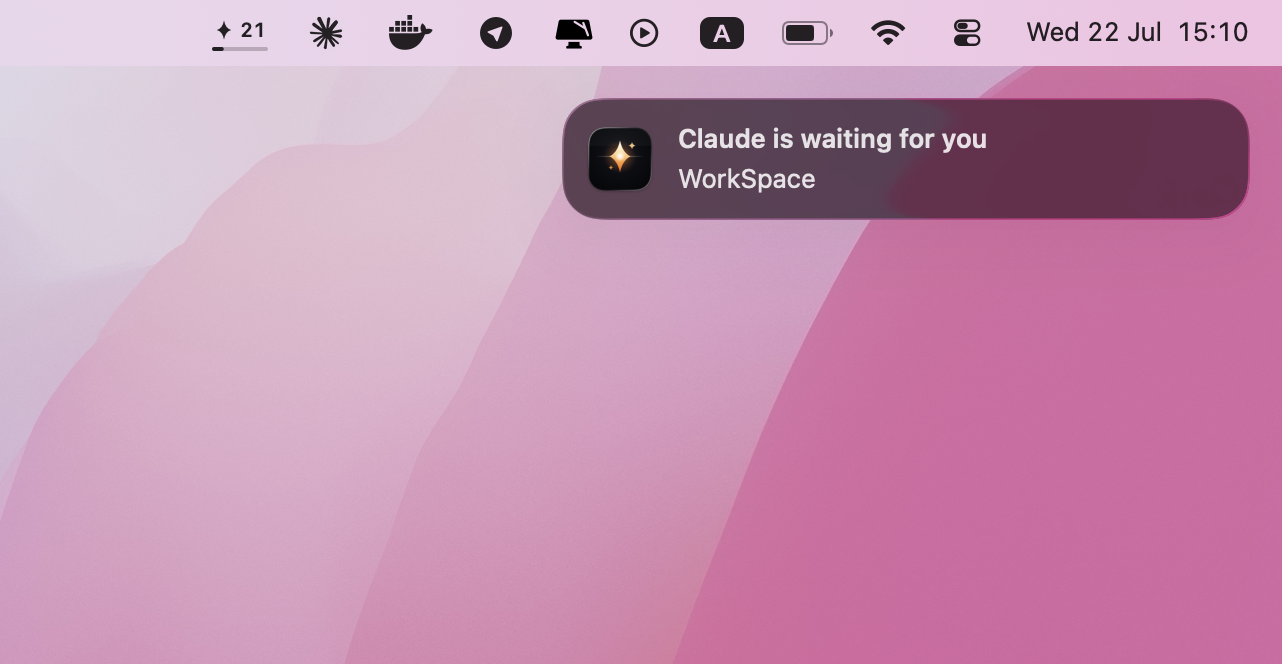
You hand Claude Code a big refactor, tell it to run the tests, and go make coffee. When you come back, one of two things has happened: your Mac fell asleep and the agent stalled halfway — or the run finished minutes ago and nobody told you.
Agentic coding was supposed to free you from the keyboard. Instead it chained you to the screen. BlackFlare is a native macOS menu bar app that cuts that chain, one problem at a time.
Keep your Mac awake while Claude Code runs
macOS has no idea that a terminal full of agent output is work. The display
dims, the system follows, and your overnight refactor pauses halfway. The
usual workarounds — caffeinate in a spare tab, energy settings you flip and
forget to flip back — trade one babysitting job for another.
BlackFlare watches your sessions instead: while a Claude Code or Codex run is going, your Mac stays awake. The moment the work is done, it sleeps normally. No global “never sleep”, nothing to remember. Marathon test runs and overnight refactors finish on their own.
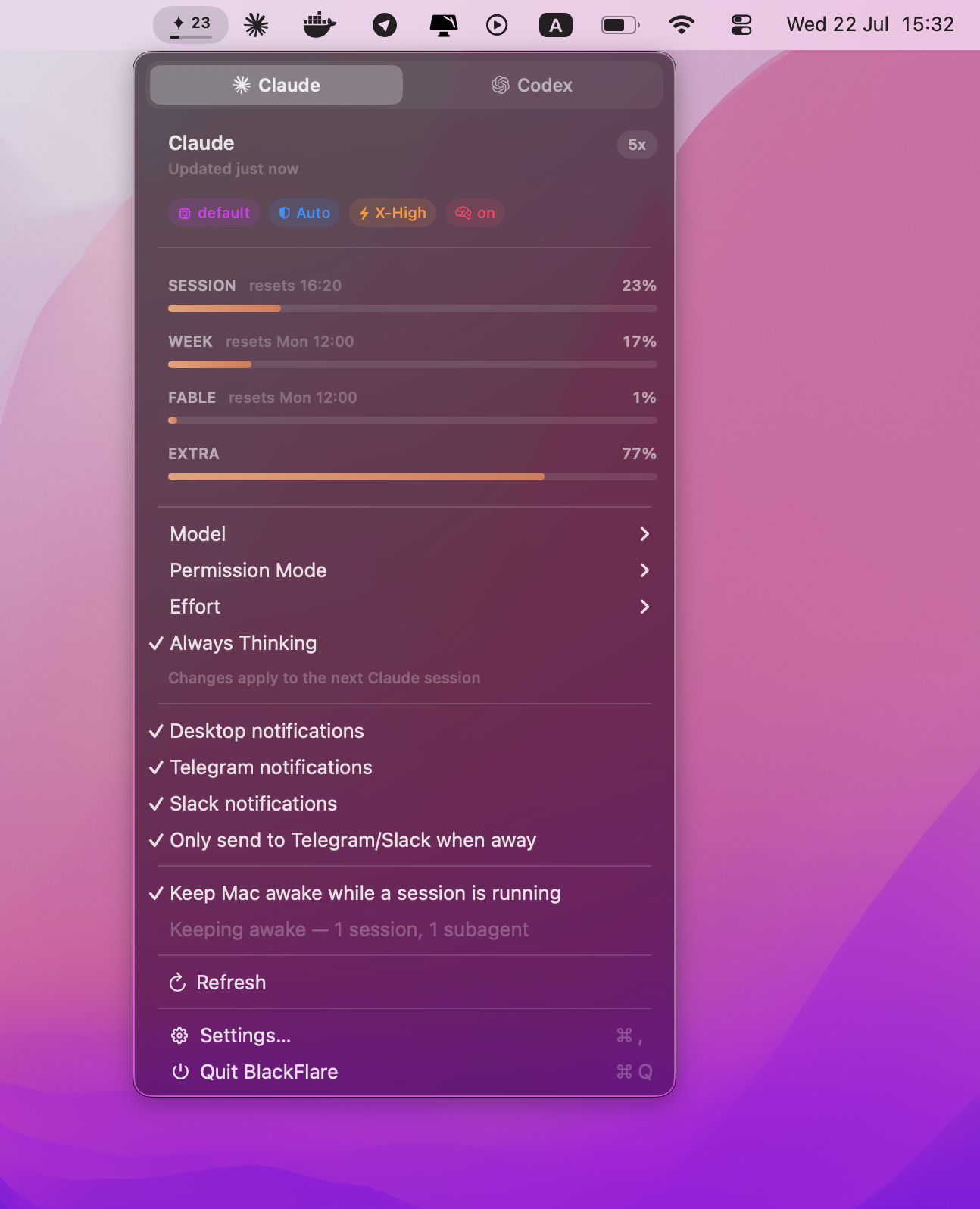
Get notified when Claude Code finishes — or needs input
The other half of babysitting is the silence. A session ends, or blocks on a permission question, and you’re alt-tabbed into something else. Every check-in that finds nothing waiting is a small interruption you paid for anyway.
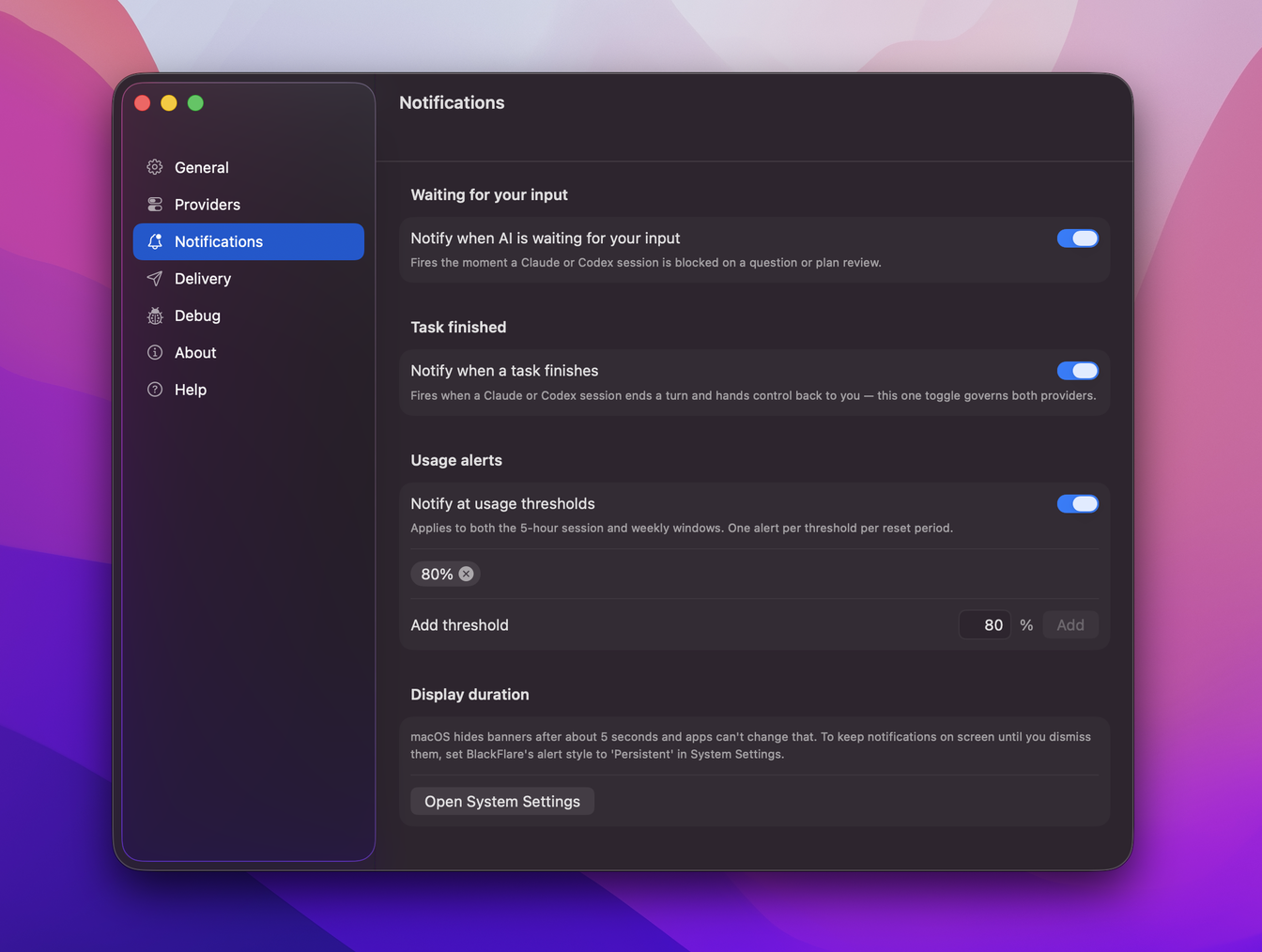
BlackFlare pings you the instant a session finishes or needs your input — whether it’s running in the terminal, VS Code, or JetBrains. Desktop notifications are free. With a license, the pings follow you to Telegram or Slack, and “only when away” mode keeps your desk quiet: you pick how many minutes without input count as away (1–30), and a locked screen counts instantly. Step away and actually touch some grass.
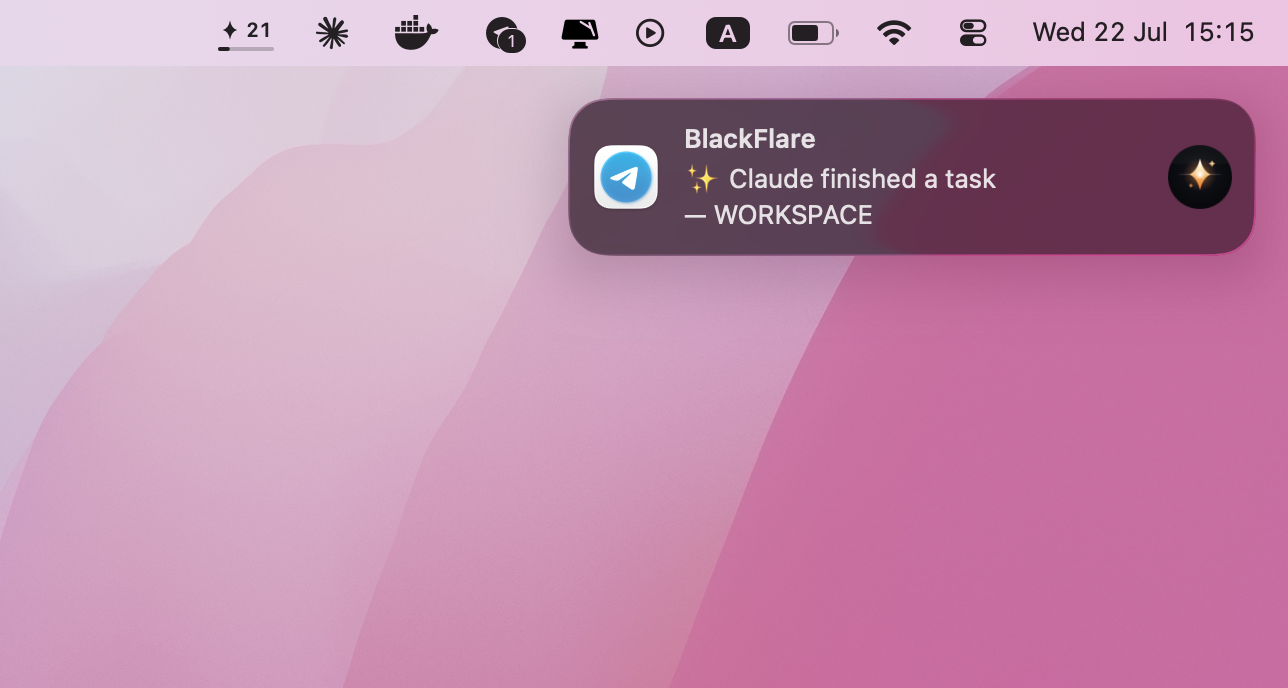
Switch model, permission mode, and effort without editing JSON
Want a different model for the next session? A stricter permission mode? Today that’s flags to remember or a config file to hand-edit — and one typo away from a session that won’t start.
BlackFlare puts model, permission mode, effort, and thinking mode in the menu bar. Pick, done — it applies your choice to the next session by surgically editing each tool’s own config file, byte-preserving, atomic, and backed up. Your comments and formatting survive.
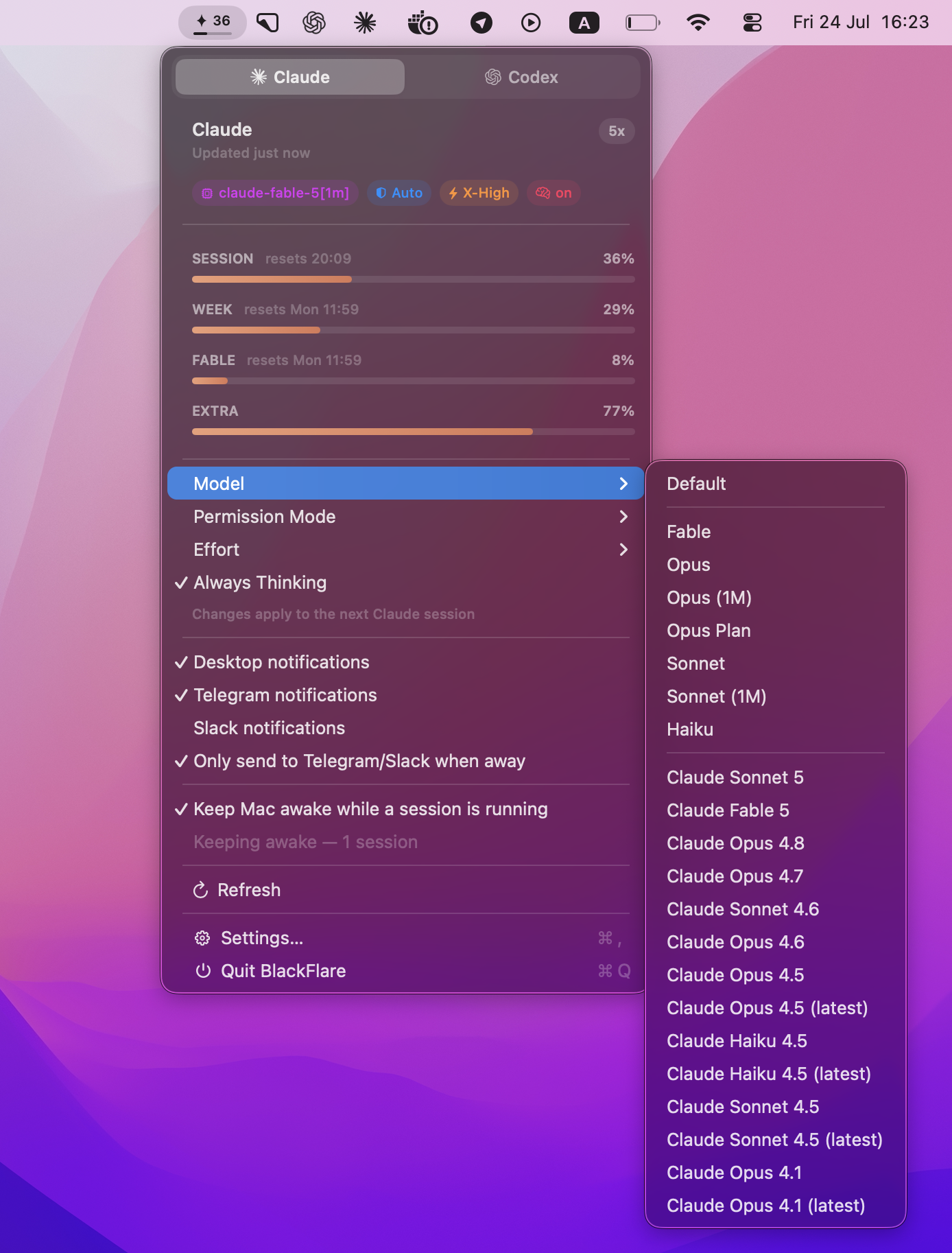
Track Claude Code and Codex usage before you hit the limit
Nothing kills a flow like discovering mid-task that you’ve burned through your plan. BlackFlare keeps per-model Claude and Codex usage in the menu and right on the menu bar icon — the badge tracks your current session window, so the number you glance at is the session you’re in. Set a threshold and you get a heads-up before you cross it, not after.
Private by design, free to start
All of this runs on-device. No accounts, no analytics, no telemetry. Reading your usage needs Keychain consent, which is off by default — your token is never sent anywhere but Anthropic.
BlackFlare is a free download for macOS 13 and later, Apple silicon and Intel. Desktop notifications, keep-awake, defaults, and usage tracking are all in the free version; a one-time license adds Telegram and Slack delivery. See what’s in each tier or start with the getting started guide.
Your Mac should work while you’re gone — not the other way around. 🏴☠️